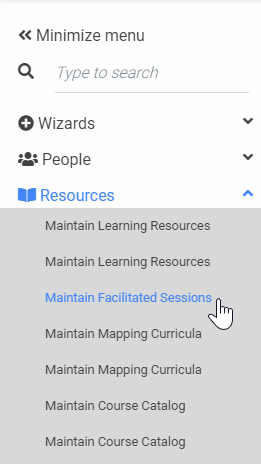

Note
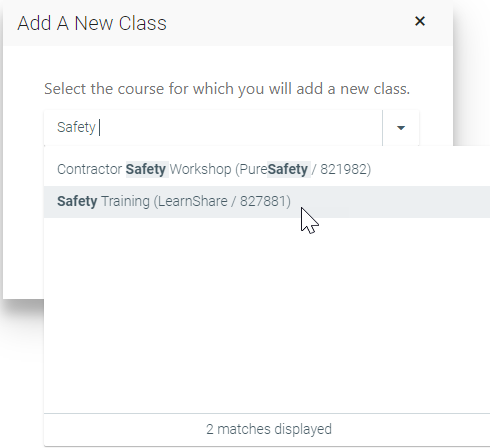
If you are searching for an inactive course, be sure to check the Show Inactive Courses box.
Note
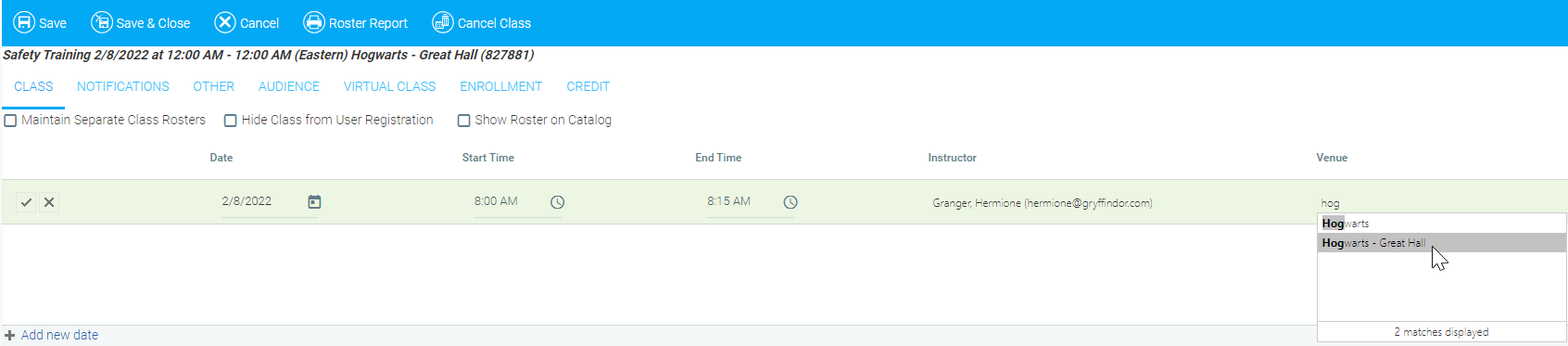
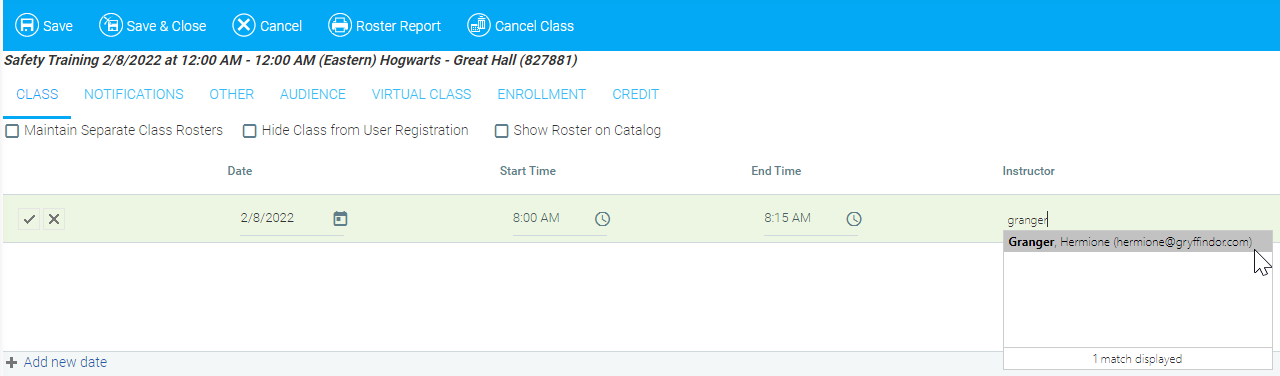
When you have entered Edit mode, the pencil icon will change to a check mark.

Note
This field is optional for a virtual (VILC) session.